
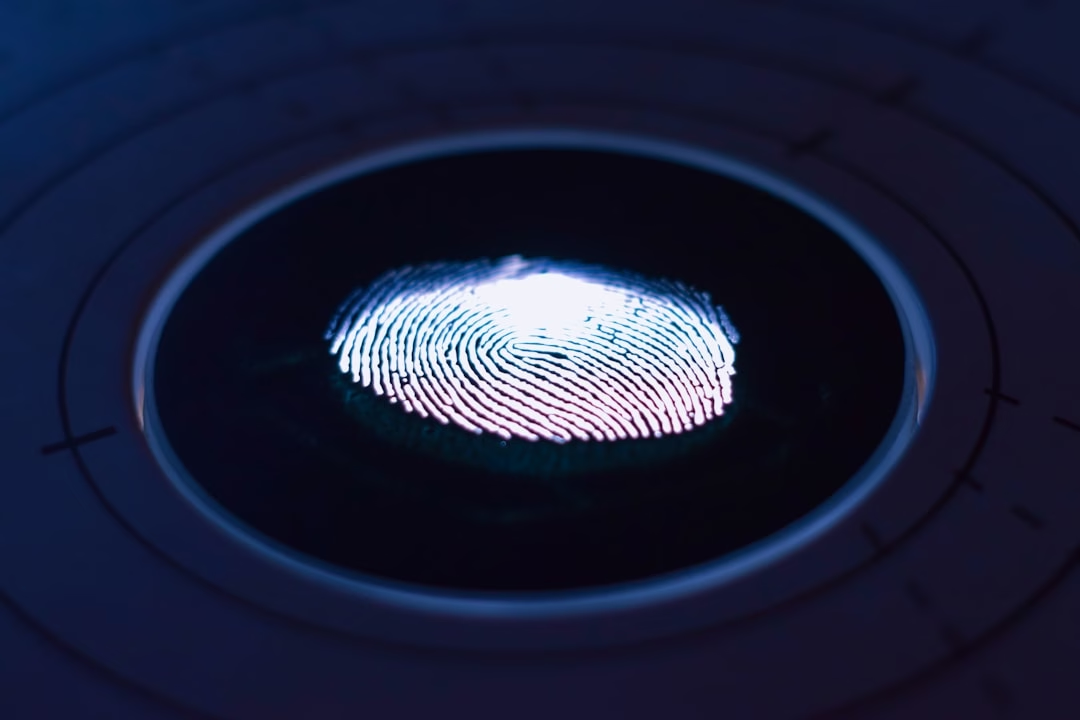

Your organization's password strategy is broken. Don't take that personally — every organization's is. Over 80% of breaches involve stolen or reused credentials, and no amount of complexity requirements or forced resets will change that fundamental problem. The good news? 94.3% of people prefer passwordless over passwords, and the technology to replace them has finally matured. Here's what's actually changing in passwordless authentication digital security right now, and why it matters for your business in 2026.
The Real Cost of Password Dependency
Passwords were never designed for the world they're protecting now.
Think about it. You're storing credentials in a database. That database can be breached (it will be breached). Those credentials get reused across a dozen sites because humans can't remember 200 unique passwords. One compromise becomes cascading disasters. Only three percent of compromised passwords met basic complexity requirements, and users shared 51% of their passwords across different services.
I worked on a healthcare client's breach response in early 2025. One stolen credential. Used on their corporate email, their patient portal, their backup systems. The entire system fell apart. Recovery cost them seven figures and months of reputation damage. That's not exceptional. Breaches average $4.88M cost plus lasting reputational damage and regulatory fines.
Here's the hard truth: adding MFA on top of passwords doesn't fix the architecture. MFA bypass attempts increased 218% in 2025. Attackers have learned to overwhelm users with push notifications until someone clicks accept (MFA fatigue). They've learned SIM swapping. They've learned social engineering. You're layering friction on a fundamentally compromised foundation.

What Passwordless Authentication Digital Security Actually Means
The phrase gets used loosely, so let's be precise. Passwordless authentication digital security replaces reusable secrets with something stronger: cryptographic keys, biometrics, and hardware tokens. The shift sounds technical, but the user experience is what matters: your fingerprint, your face, your physical security key — not something you remember.
Authentication happens in 1.2 seconds instead of 8.7 seconds with password plus MFA. Your employees don't forget credentials. Account takeover becomes exponentially harder because there's no credential database to breach.
The ecosystem maturity has changed everything. Apple's expansion of passkey support to all iOS 16+ devices, Google's Passkey autofill in Chrome, and Microsoft's Windows Hello integration created the ecosystem maturity needed for mainstream adoption. You can actually deploy passwordless authentication digital security now without proprietary hardware or massive user friction.
An estimated 5 billion passkeys are now in active use, with 90% consumer awareness and 75% of people having enabled a passkey on at least one account. This is not a fringe technology anymore.
The Adoption Reality: Momentum with Caveats
Here's where the narrative gets uncomfortable. Passwordless authentication grew 64% year-over-year, now accounting for 73% of all authentications on leading platforms. But that's platform-level data — it tells you about who's using passwordless, not who's deployed it.
Enterprise-level adoption tells a different story. 43% have deployed passwordless authentication, yet the vast majority have deployed to less than 50% of their workforce. You've got pockets of adoption. Pilots that work brilliantly in one department and stall in another. The "Passwordless Paradox" — awareness without execution.
Why the gap? Mostly: complexity. Not technical complexity (the platforms have solved that). Operational complexity. Legacy systems. Teams without authentication expertise. 51% of organizations rely on developers with minimal auth experience to build customer-facing identity systems, and auth is a full-time specialization.
Real talk: implementing passwordless authentication digital security at scale is harder than buying the technology. You need rollback plans for recovery codes that users lose. You need backup authentication paths. You need to handle the three people on your team who somehow can't use passkeys (they exist, and you need to support them).
Passkeys Vs. Magic Links: The Actual Trade-Off
Passkeys (FIDO2/WebAuthn) are technically superior. Passkey adoption surged 412% in 2025, becoming the fastest-growing method. They're phishing-resistant. Device-bound. Cryptographically sound.
But here's what nobody tells you: magic links remain the most deployed method due to universal email availability, zero device requirements, and proven reliability across all user demographics.
Magic links work because you don't need to worry about lost recovery codes or biometric drift or device compatibility. A user clicks an email link. Done. It's not perfect (email can be compromised), but it's simple. And when you're scaling from 30% to 80% of your workforce, simple wins.
The honest play? Hybrid. Use passkeys where your users have modern devices (your Gen Z employees will never question it). Fall back to magic links or OTP for legacy systems, BYOD situations, or international offices where device support is spotty. Passwordless authentication digital security is not a monolith.
The Regulatory Pressure That's Making this Mandatory
This is where I'll drop the opinion. Regulations are finally making passwordless non-optional.
NIST finalized SP 800-63-4 in July 2025, formally recognizing passkeys as AAL2-compliant authenticators and setting phishing-resistant authentication requirements that make passwordless not just best practice but regulatory necessity for many organizations.
That's not a suggestion anymore. GDPR fines averaged €1.8M in 2025 (up 34% YoY), and the UK ICO fined 23andMe £2.31M for failing to prevent credential stuffing.
Regulators have moved from "passwords are okay with MFA" to "you need phishing-resistant authentication or we will fine you." There's a difference. For financial services, healthcare, government contracting — this isn't optional.
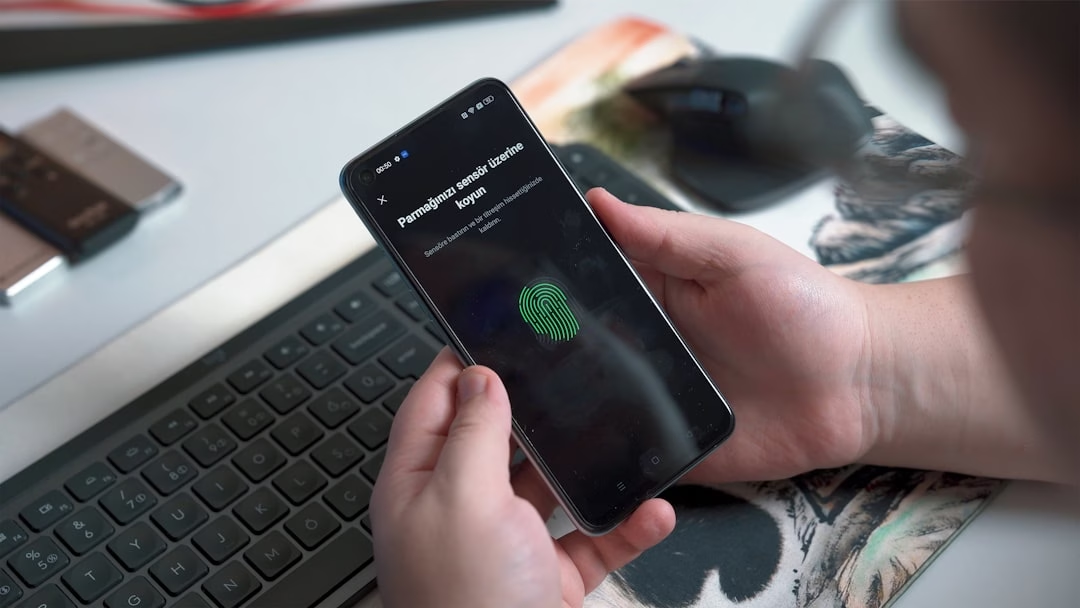
Building a Passwordless Authentication Digital Security Program that Actually Works
You can't just flip a switch. Here's what I've seen work (and what hasn't):
Start with high-value targets. Not your entire workforce. Pick a team that's either well-resourced, tech-comfortable, or mission-critical (your security team, your finance team, your platform engineers). Deploy passwordless authentication digital security there first. Learn what breaks.
Accept hybrid for the medium term. You'll run passwords and passwordless in parallel for 18 months minimum. Budget for that support burden. Train your helpdesk to handle accounts that have both.
Use recovery codes and account recovery seriously. I've seen orgs deploy passkeys flawlessly, then lose three executives' access because they lost recovery codes. Account recovery is your disaster scenario. Plan for it.
Monitor for adoption friction. The challenge in 2026 is not whether to go passwordless, but how to get there from where you are without disrupting what already exists. Your metrics should be: What percentage are using the passwordless method without fallback? How many password resets dropped after deployment?
Assume attackers will shift. Passwordless eliminates phishing and credential stuffing. Attackers shift to session hijacking (+127% year-over-year), social engineering (+89% YoY), and supply chain attacks (+156% YoY). Your security program needs to evolve simultaneously.
Frequently Asked Questions
What is Passwordless Authentication Digital Security?
Passwordless authentication digital security replaces reusable passwords with cryptographic keys, biometrics, or hardware tokens. It eliminates phishing vectors, database breach risk, and credential stuffing while improving user experience. Common methods include passkeys (FIDO2), biometrics, magic links, and security keys.
Is Passwordless Authentication Digital Security More Secure than Passwords with Mfa?
Yes. Passkeys and hardware tokens are phishing-resistant and can't be stolen from breached databases or reused across sites. Traditional MFA can be bypassed via push notification fatigue, SIM swapping, or social engineering. The gap in security is architectural, not incremental.
How Long does it Take to Implement Passwordless Authentication Digital Security?
Depends on scope. Pilots: 3–6 months. Enterprise rollout to 50% of users: 12–18 months. Full transition (including legacy systems and recovery procedures): 24+ months. The technical implementation is fast; the organizational change management is slow.
What Happens if Users Lose Their Passkey or Security Key?
Recovery codes provide temporary backup access. Account recovery workflows let users re-enroll their devices. These need to be designed carefully — your recovery path is often as important as your primary authentication for user retention.
Will Passwords Ever Go Away Completely?
Not in 2026. 76% of organizations still rely on legacy passwords. For SMBs, cost and legacy system constraints will keep passwords around. But for regulated industries, financial services, and tech companies, the transition is underway. Expect passwords to persist as a fallback option for at least another 5 years.
The Bottom Line
Passwordless authentication digital security is no longer theoretical. Passwordless methods now account for 73% of all authentications on leading platforms. You've got a window where this is still an upgrade path rather than a scramble after a breach.
The real question is not whether you'll transition — regulatory pressure and attack velocity make that inevitable. The question is whether you'll do it intentionally, with planning and user support, or reactively, after your competitors have already made the move.
If you're not building a passwordless authentication digital security roadmap right now, you're accepting higher risk and higher eventual cost. Pick one team, pick one method, ship it in the next quarter. Learn. Scale. You'll be grateful when the inevitability of passwords finally hits the mainstream.

